Christine Buzzi
I built the site in 2018. In 2025 I developed a new theme for the new look designed by Iris Oposich. The pages stayed almost unchanged. I’ve looked after the site since 2018.
christinebuzzi.at (opens in new tab)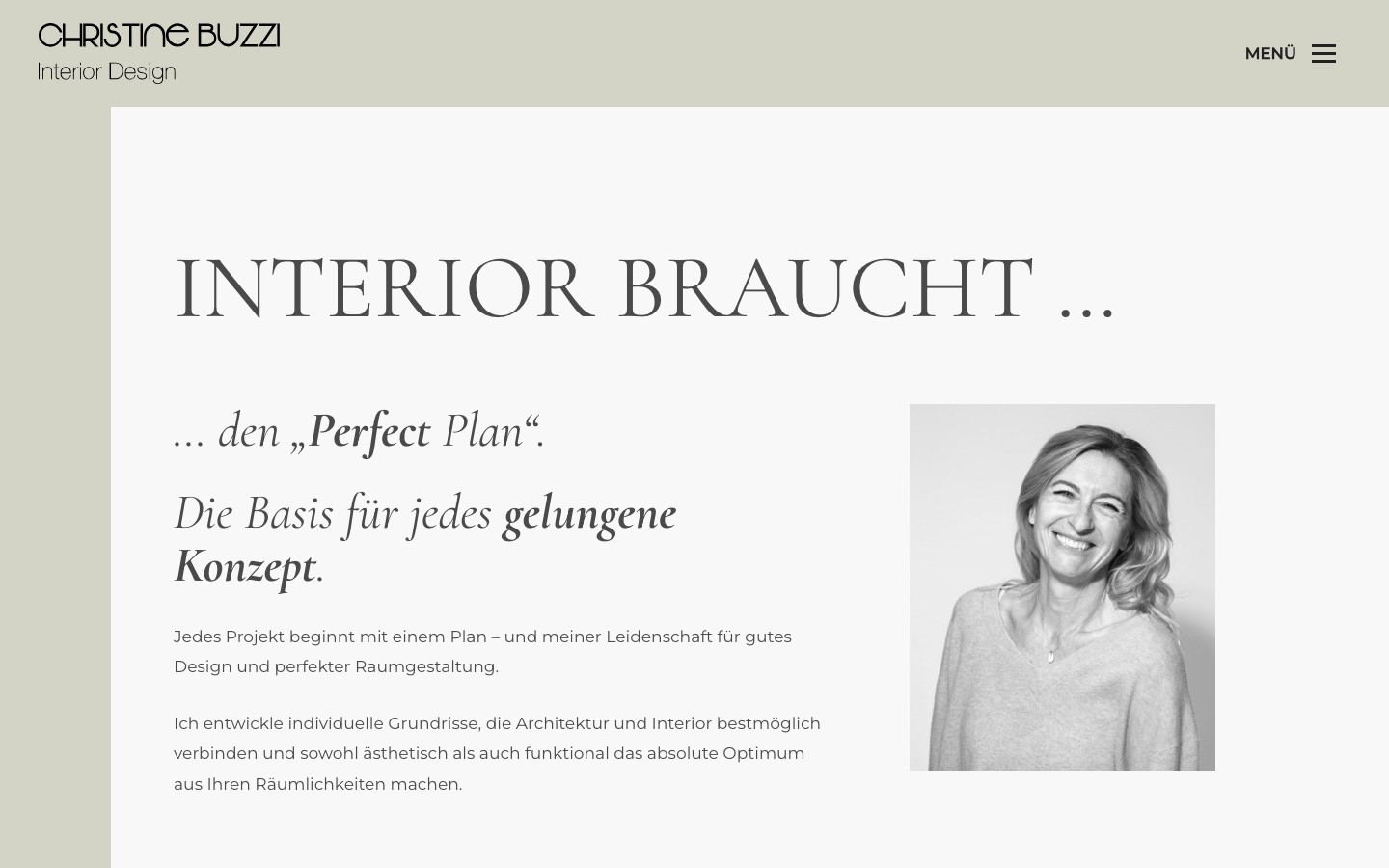
You have seen all {count} images.
If you continue you will start over.
- Client
- Christine Buzzi Interior Design
- Years
- 2018, 2025, 2026
- Offers
- New website · Optimization / Modernization · Care
- Role
- Build and care since 2018
- Sector and place
- Interior design and floor planning, Vienna
- Today
- I’ve looked after the site since 2018 and have hosted it on my server since October 21, 2026.
- CMS
- MODX
- Frontend
- PHP · Sass
- Photos
- PPMNEXT Foto & Studio, Manuel Podlucky
Situation
- Christine Buzzi develops floor plans and interior concepts. The site shows her four services with 52 projects: Perfect Plan for floor plan optimization, Smart Concept, Luxury Concept and Business Concept.
- In 2025 she wanted a new look with its own type system, colors and layout. Iris Oposich designed it.
Design
Screens of the site
-
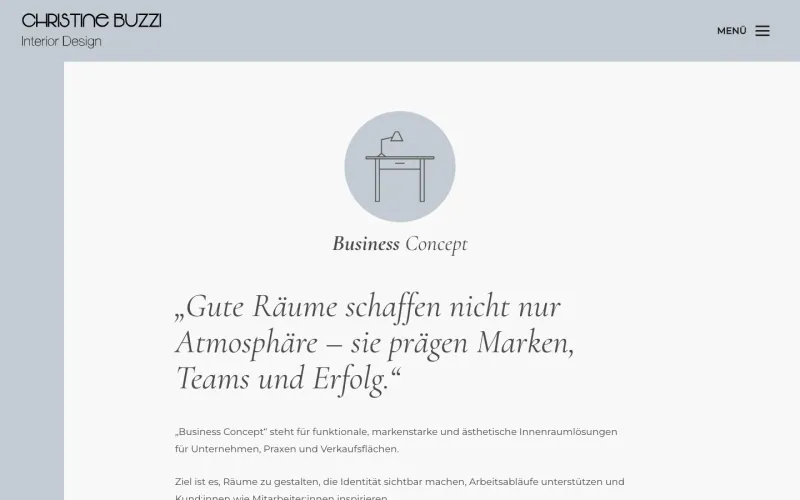
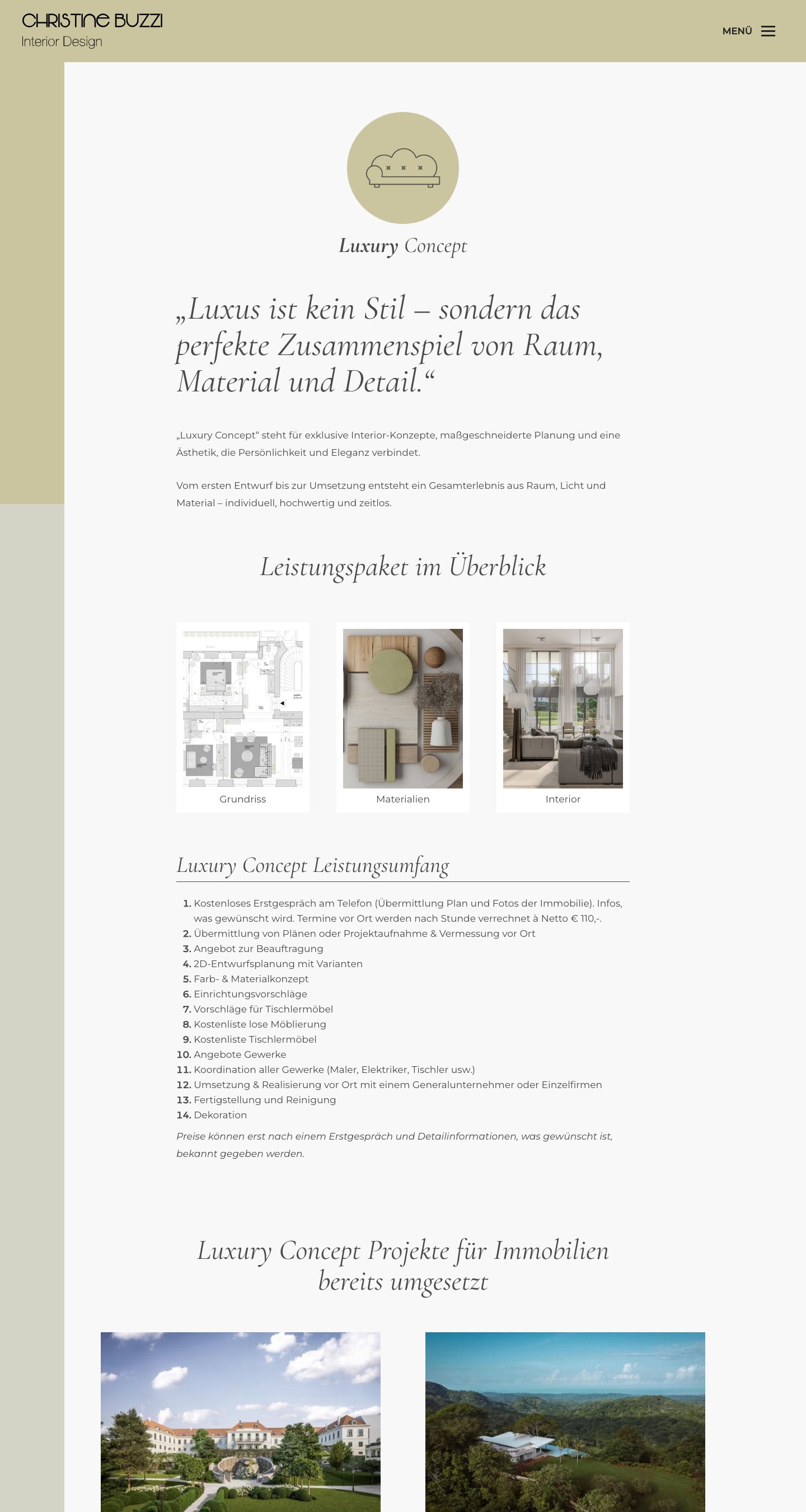
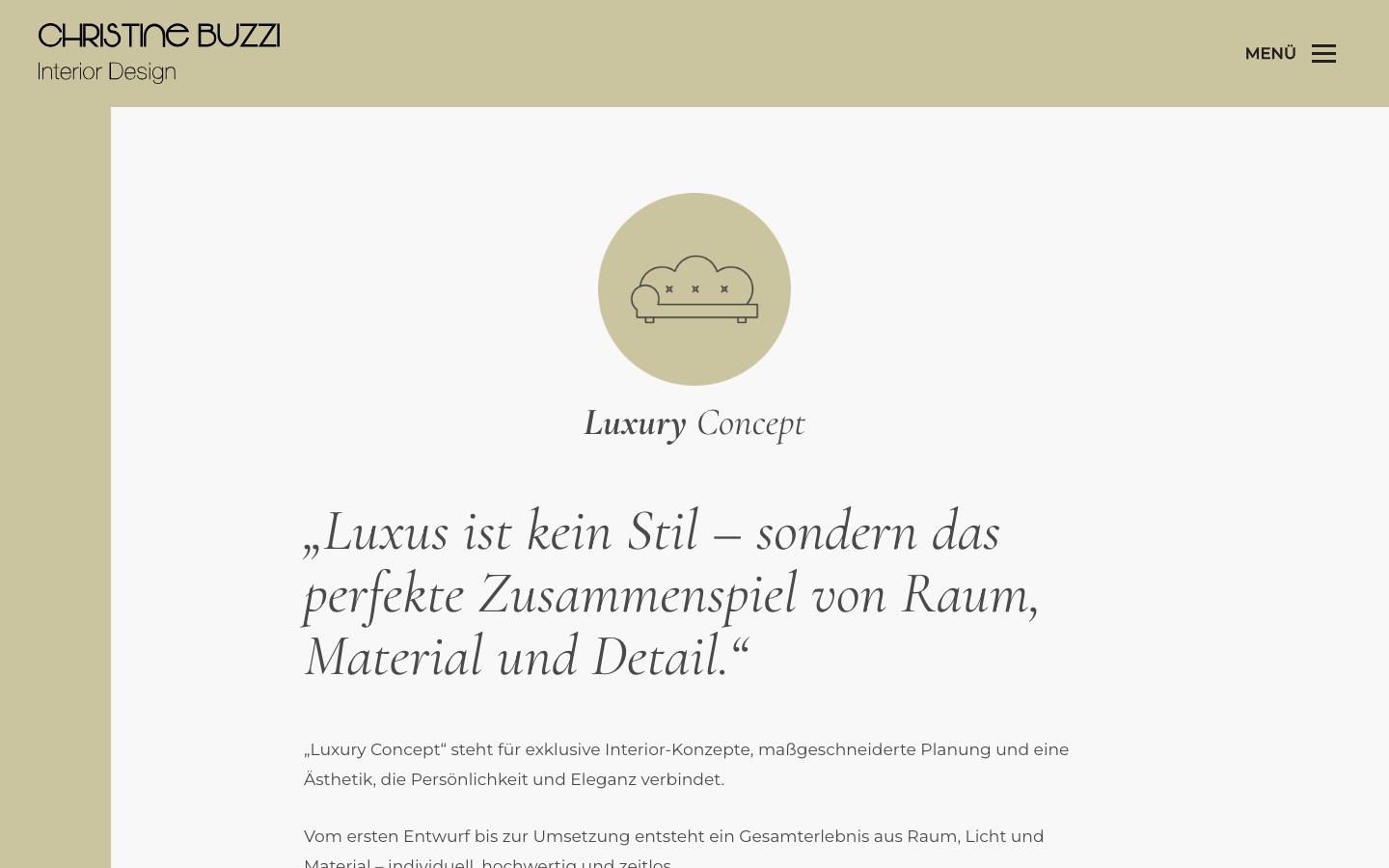
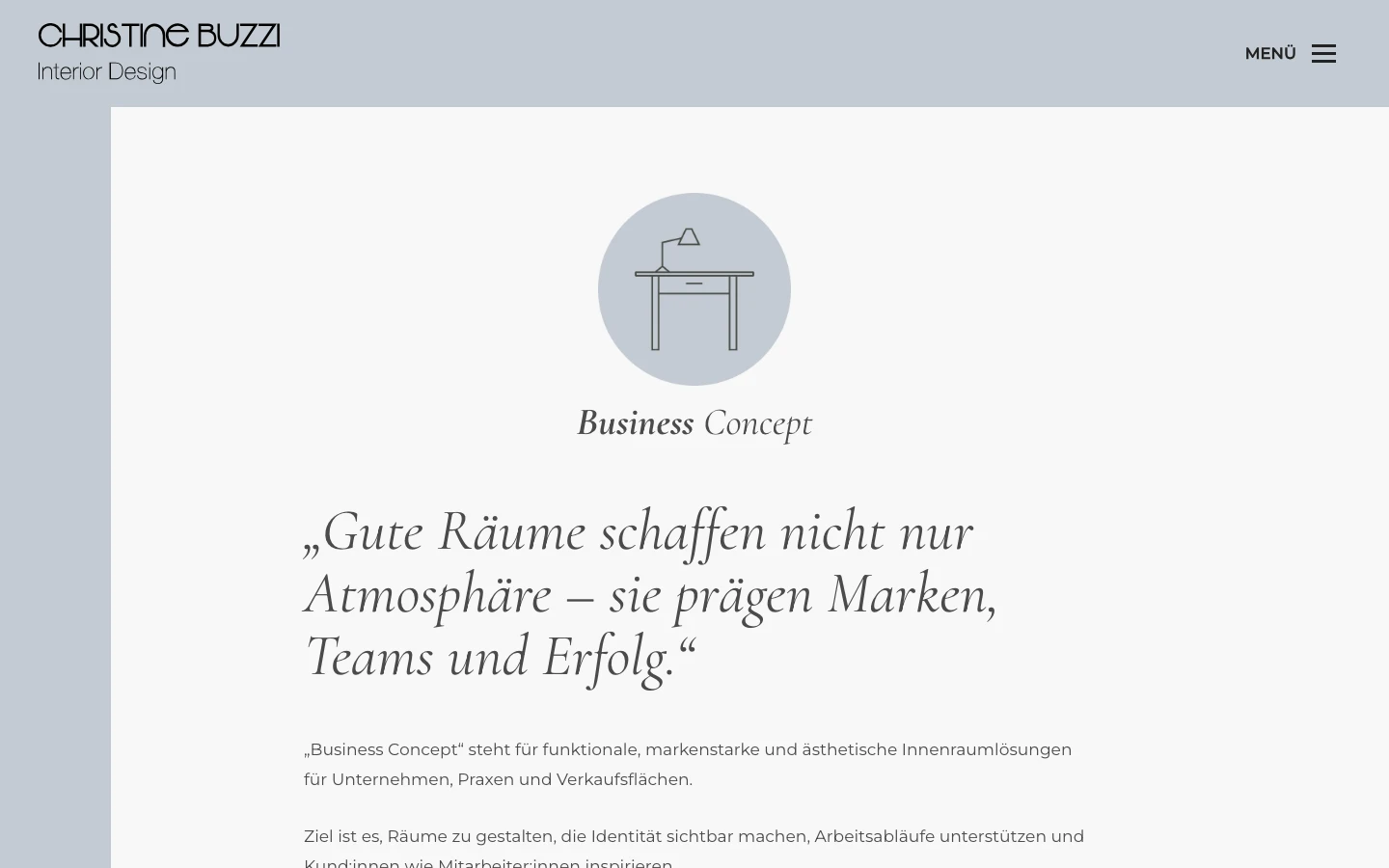
The strip along the edge On desktop the service’s color frames the content on the left and top. Business Concept is blue. -
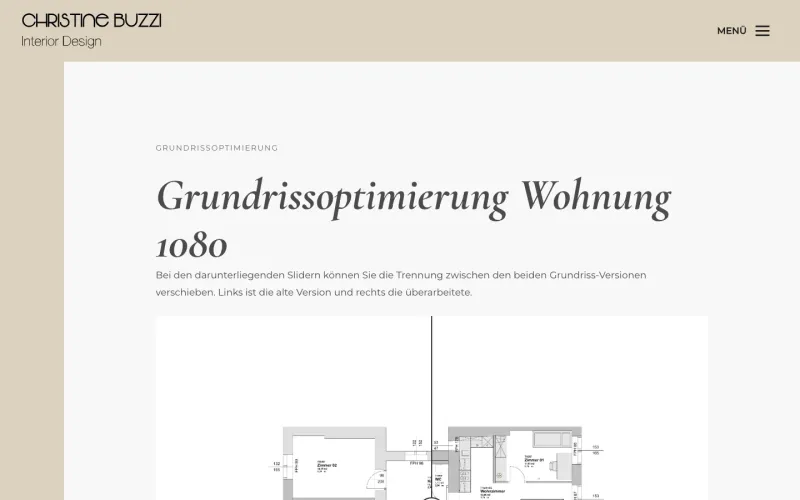
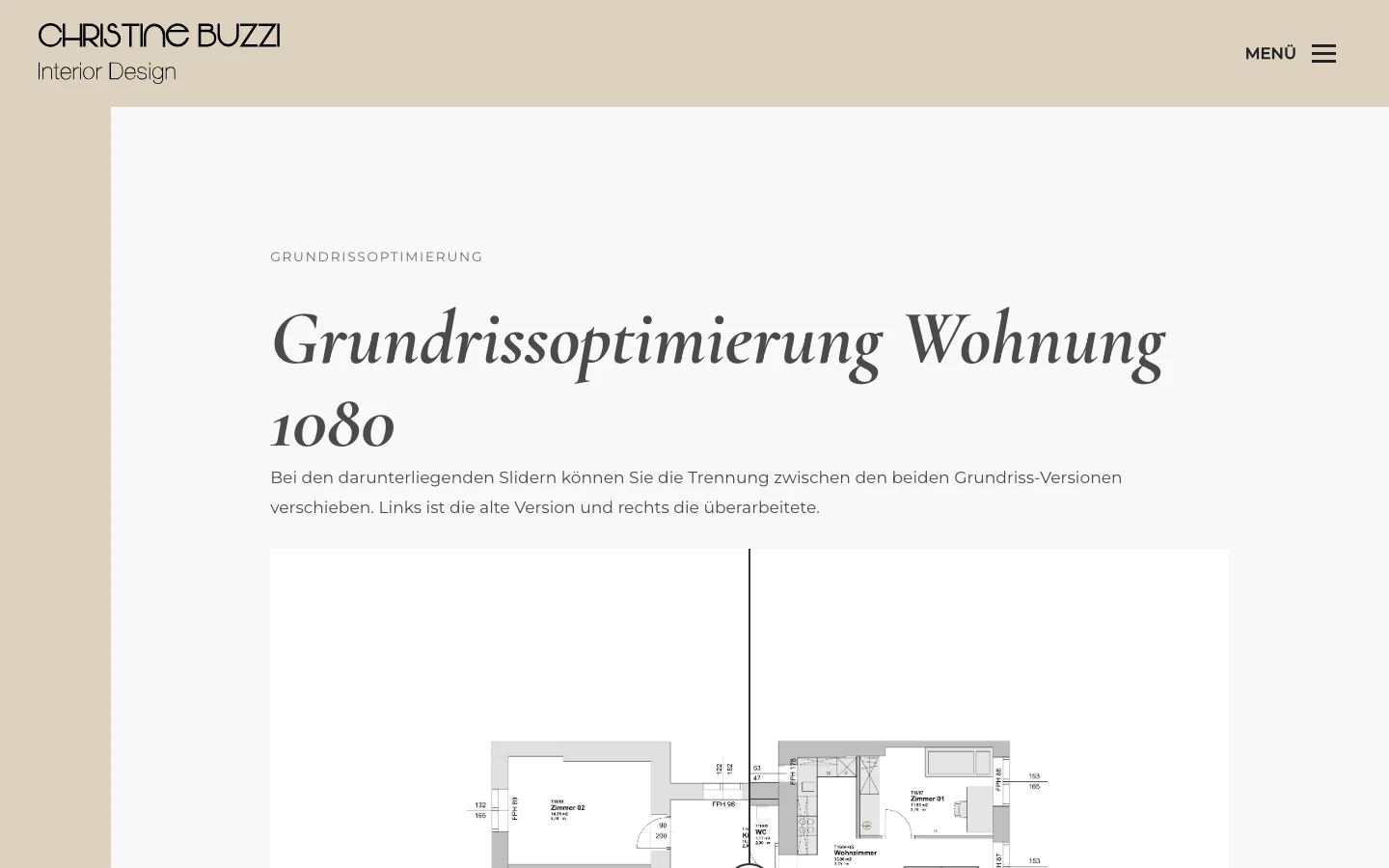
Floor plan across the content width On desktop the slider starts below the title and note and takes up the width of the content.
-
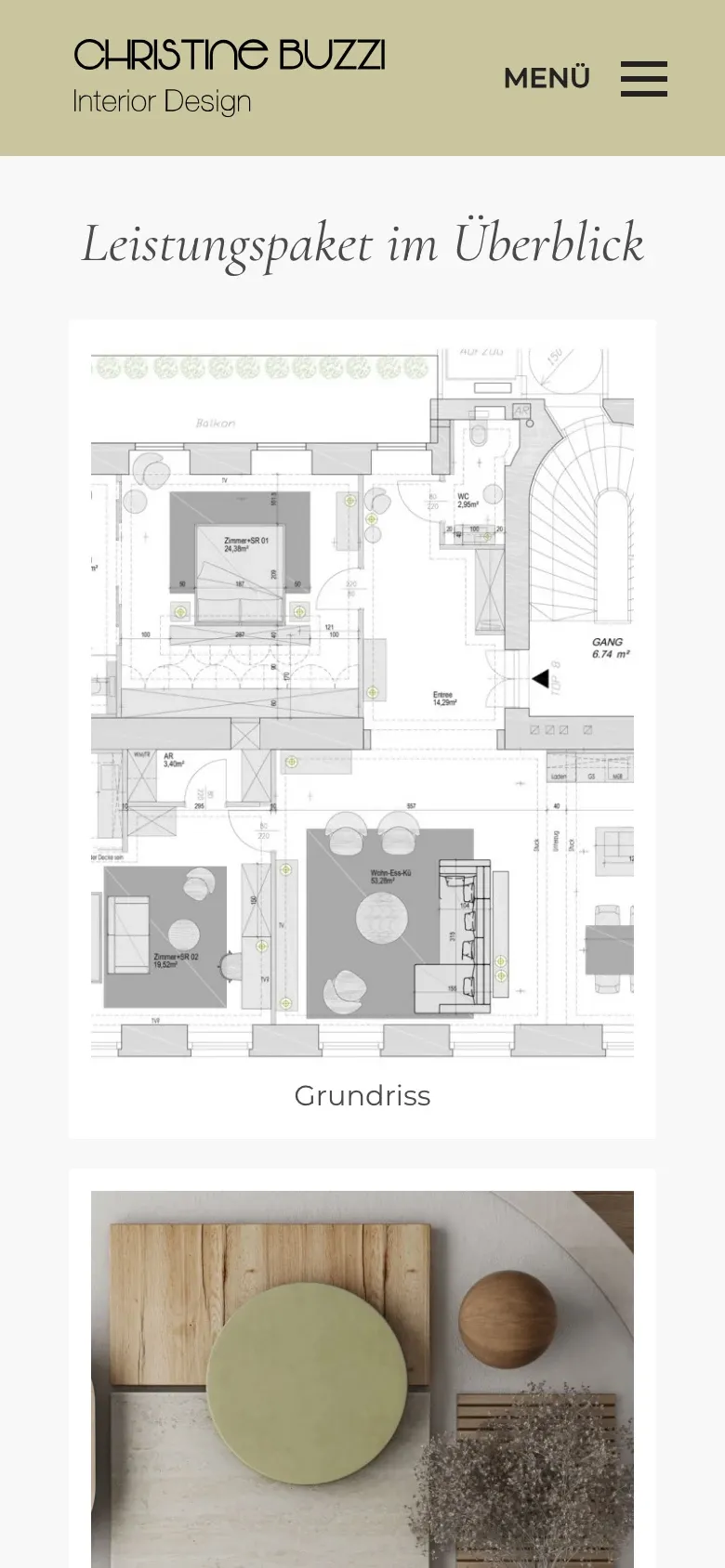
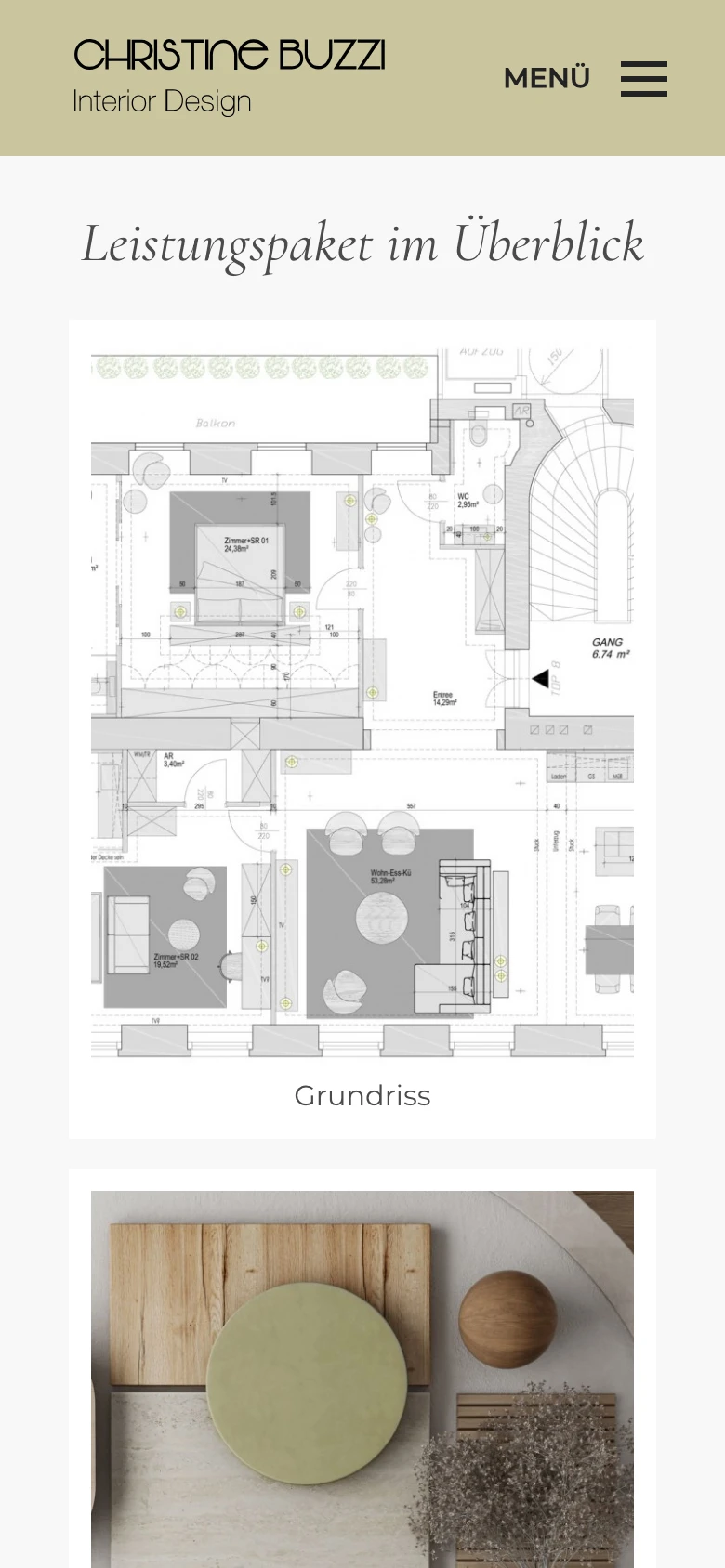
Service package as Polaroid cards Floor plan, materials and interior, each card with a white border and a caption. Above them, the heading in Cormorant Garamond italic. -
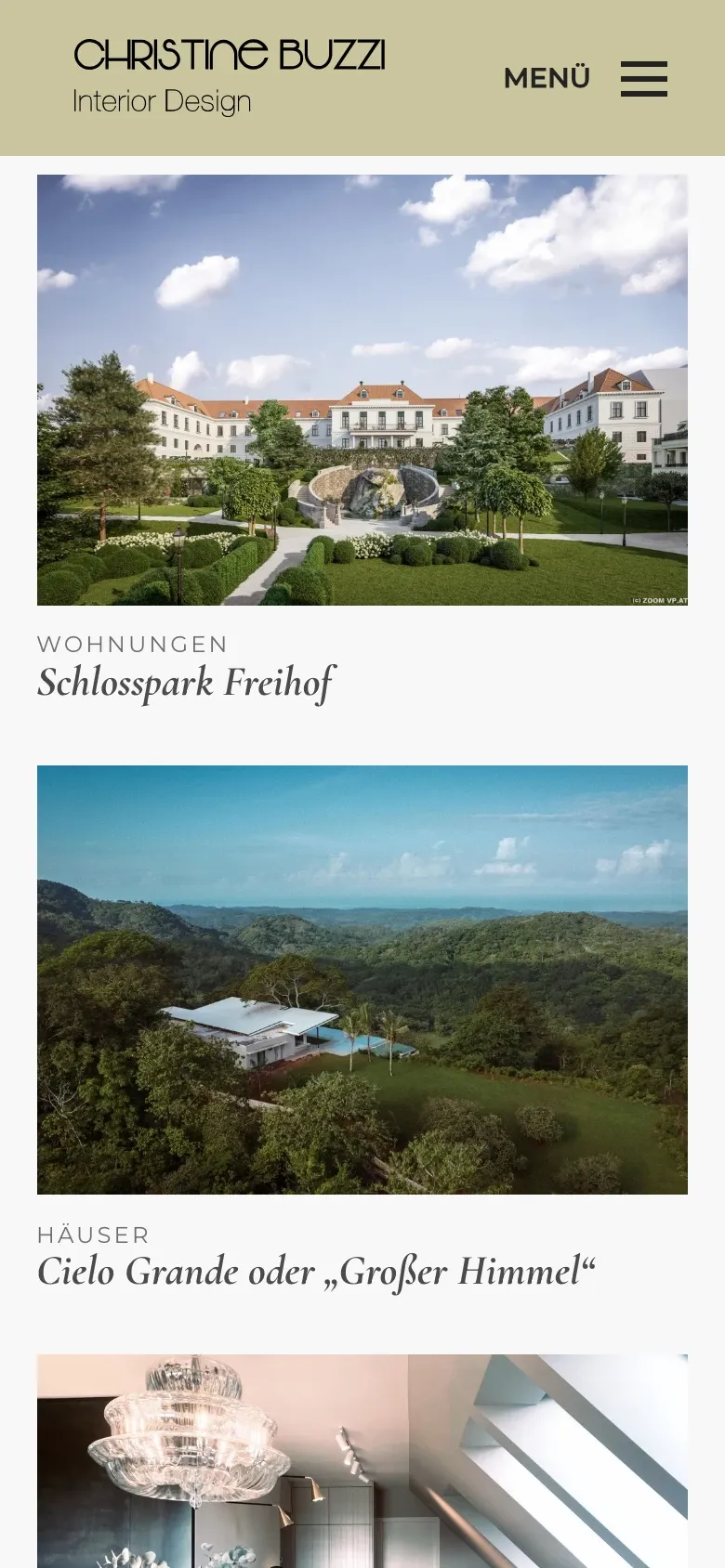
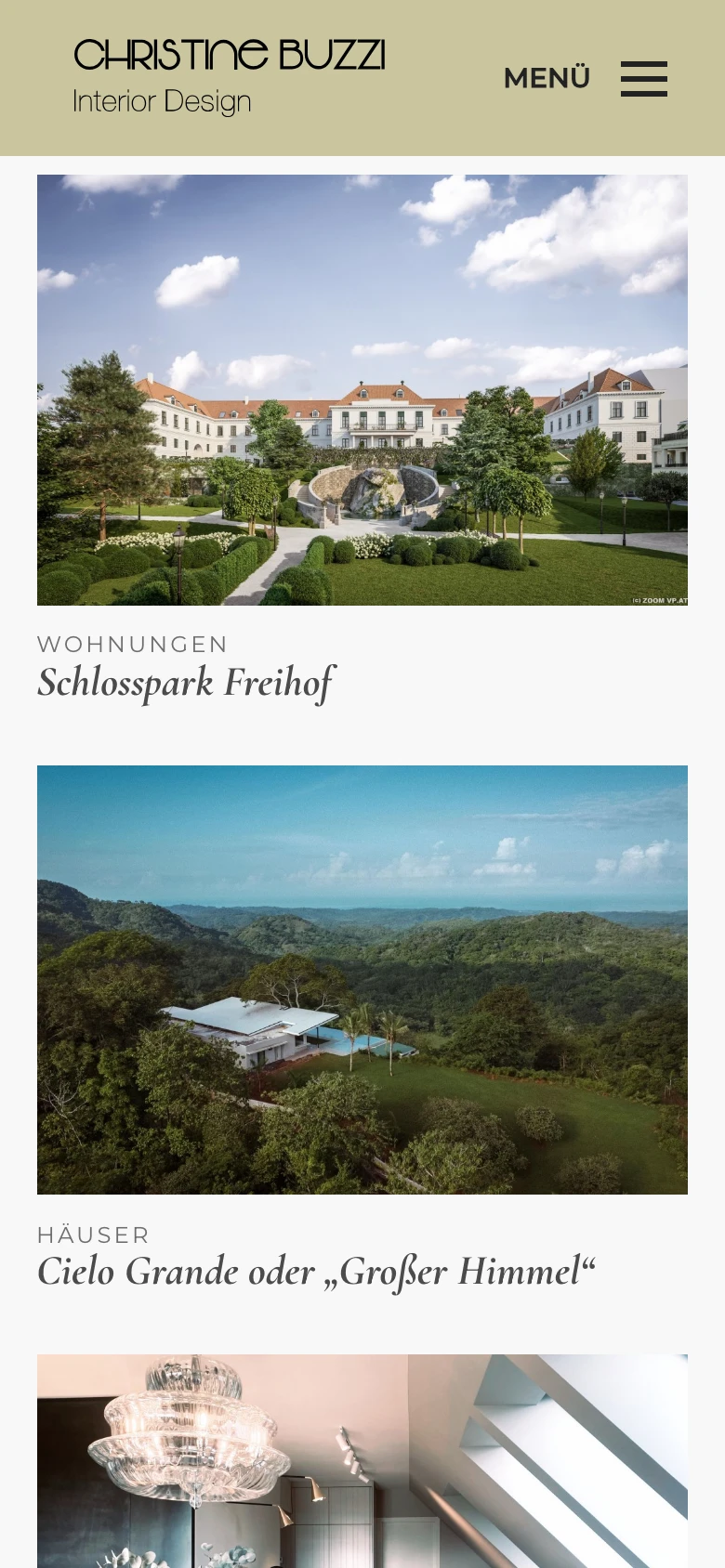
Projects as cards Each service lists its projects below it, with photo, category and title. The category comes from its own field. -
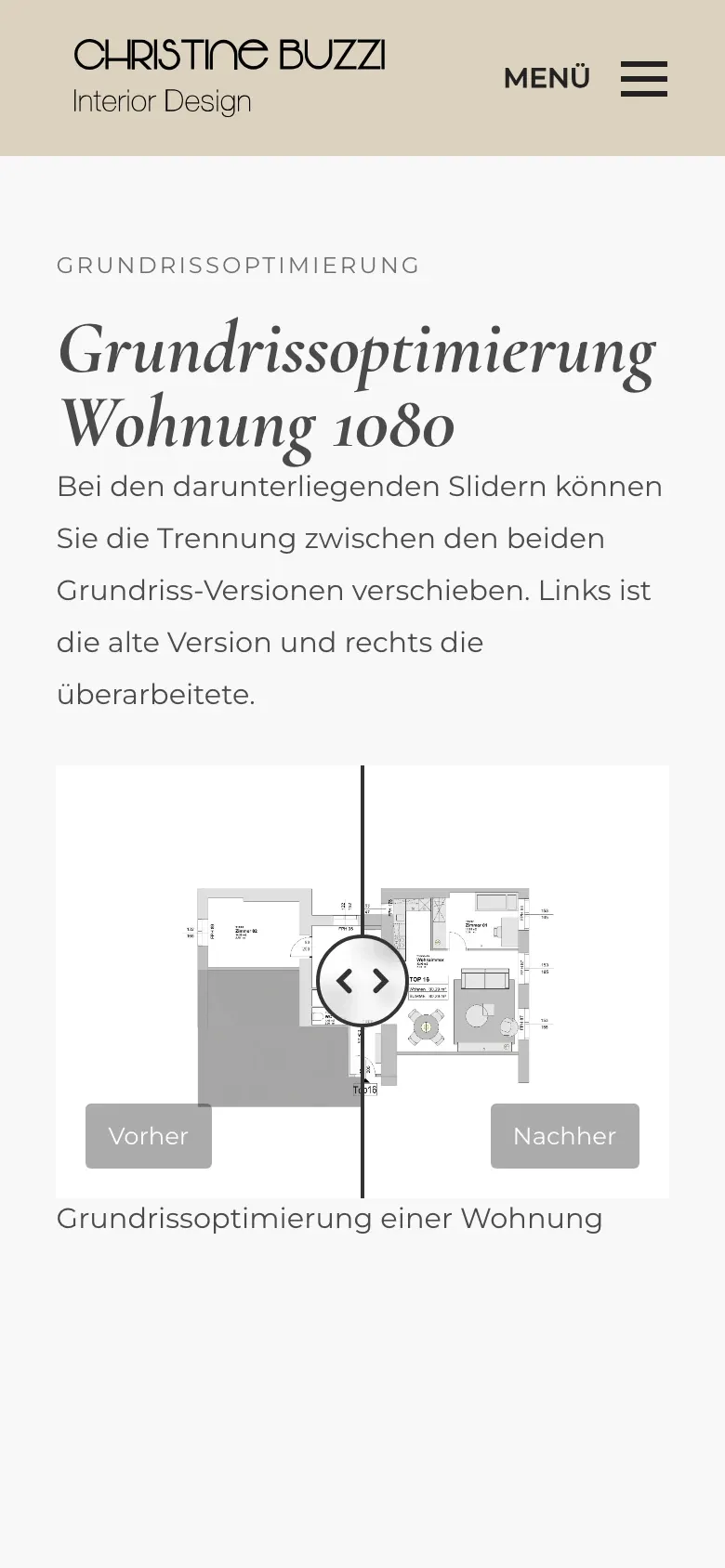
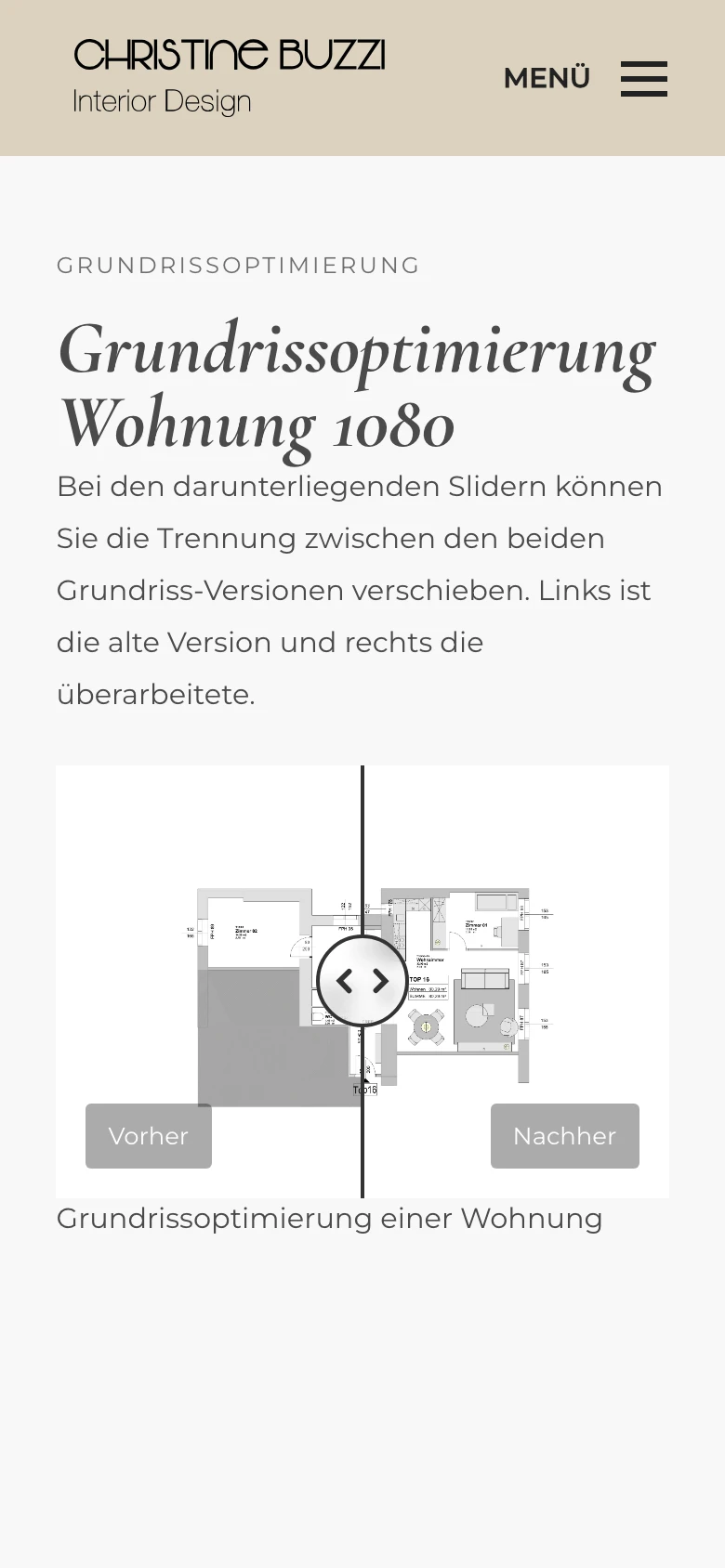
Floor plans before and after The slider lays the old and the revised floor plan over each other. The old version is on the left, the new one on the right. -
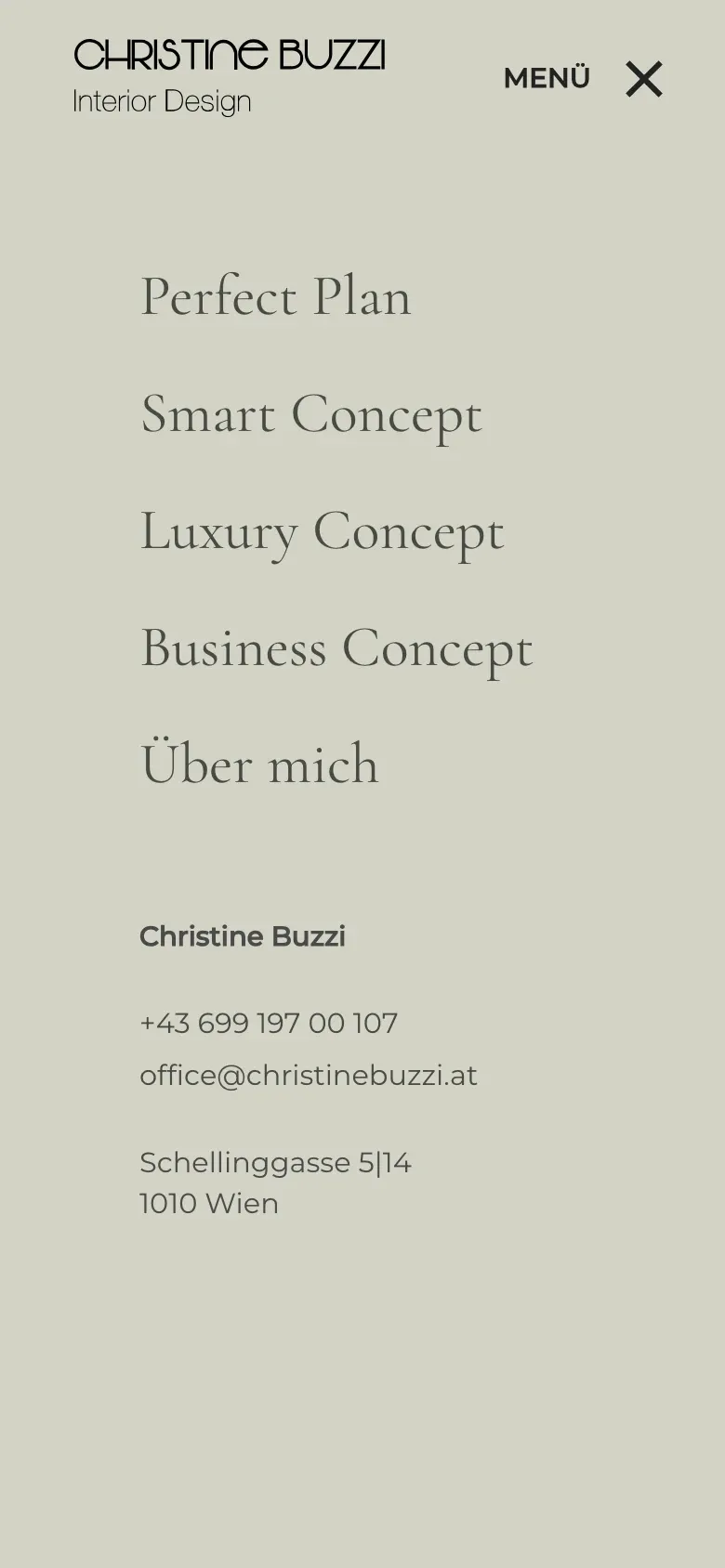
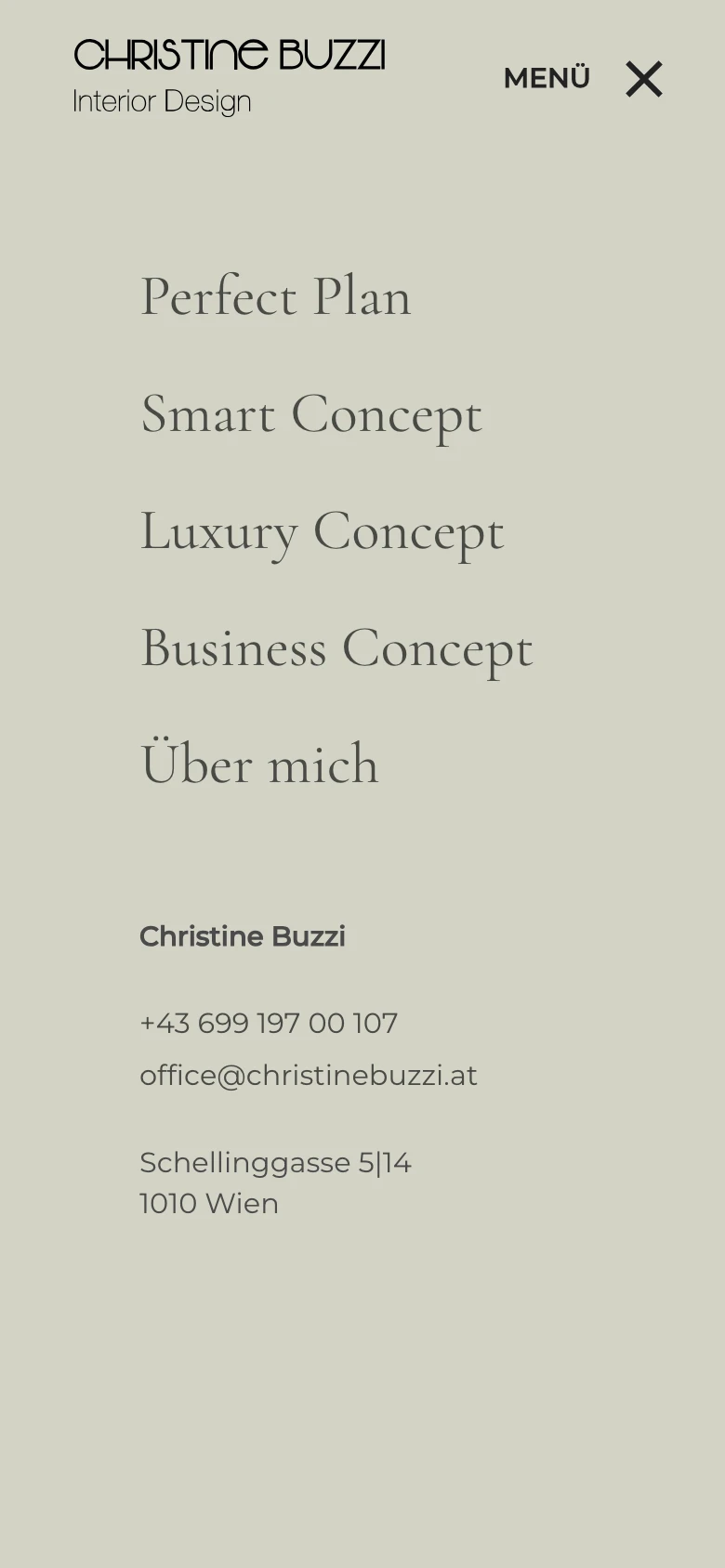
Full-screen menu The menu shows the four services and the contact details, in the page’s color.
You have seen all {count} images.
If you continue you will start over.
-
Colors
- Charcoal #222222
- Olive gray #484A45
- Dark gray #4A4A4A
- Sand #CBC59F
- Green #C1C9BA
- Blue #C3CAD2
- Gray #D3D3C6
- Beige #DCD2BF
- Light gray #F8F8F8
- Dark gray on Gray: 5.86 : 1 AA
- Dark gray on Sand: 5.07 : 1 AA
- Dark gray on Beige: 5.91 : 1 AA
- Dark gray on Green: 5.2 : 1 AA
- Dark gray on Blue: 5.35 : 1 AA
- Olive gray on Gray: 5.93 : 1 AA Link
- Olive gray on Sand: 5.13 : 1 AA Link
- Olive gray on Beige: 5.98 : 1 AA Link
- Olive gray on Green: 5.26 : 1 AA Link
- Olive gray on Blue: 5.42 : 1 AA Link
- Charcoal on Gray: 10.53 : 1 AAA Link
- Charcoal on Sand: 9.11 : 1 AAA Link
- Charcoal on Beige: 10.61 : 1 AAA Link
- Charcoal on Green: 9.34 : 1 AAA Link
- Charcoal on Blue: 9.62 : 1 AAA Link
The site has no dark mode.
-
Type
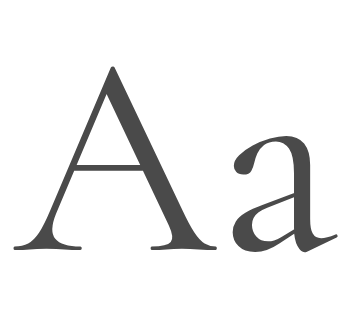
Cormorant Garamond Headings, taglines, quotes
Montserrat Body text, menu
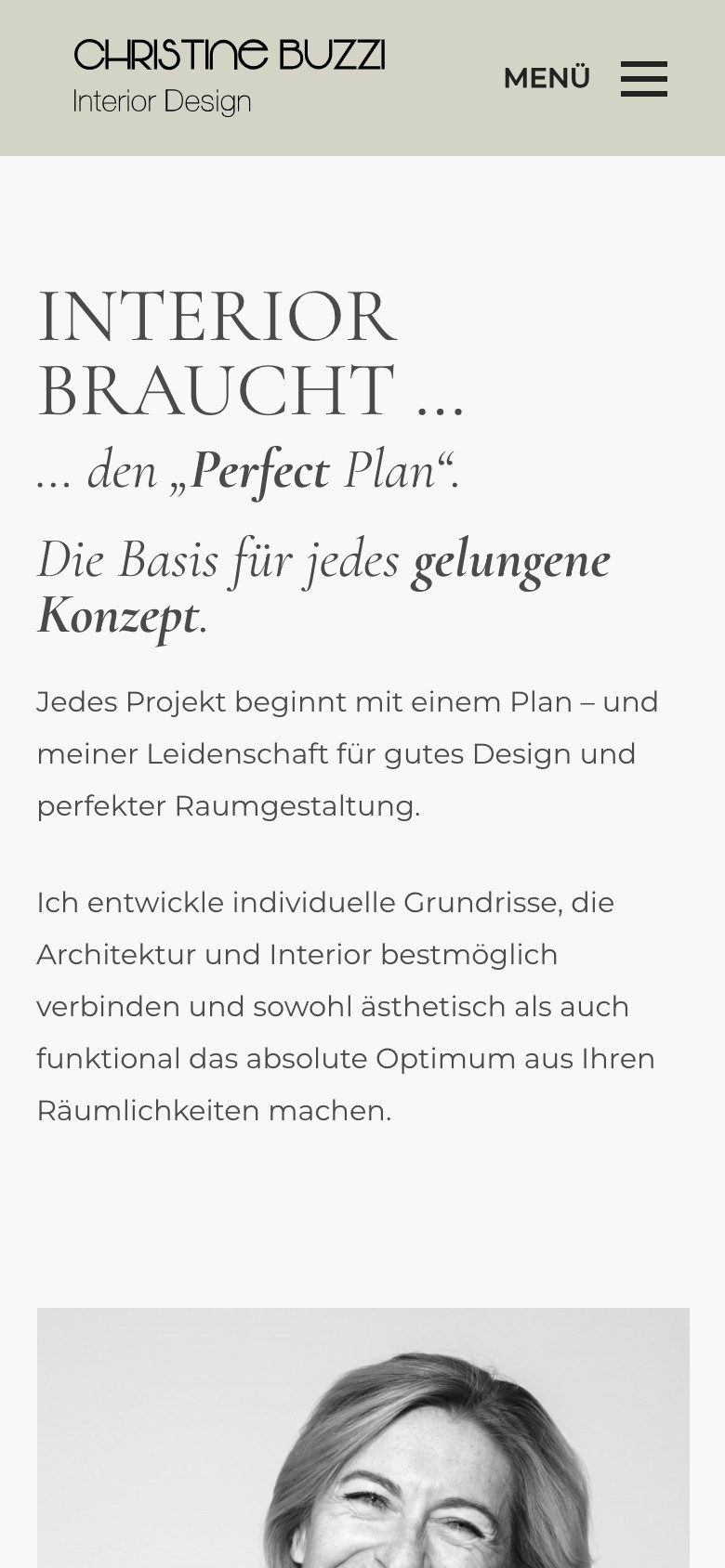
Body text 16 px on phones, 18 px on desktop. Headings in italics, the H1 up to 63 px.

What I did
Visible
-
New type system: Cormorant Garamond for headings, taglines and quotes, Montserrat for body text and the menu. Headings in italics, in fixed steps per screen width.
-
New colors: each of the four services has its own. It colors the header, menu and icon, on desktop also the edge of the page.
-
New layout for services and projects: service pages with icon, tagline, the service package as Polaroid cards and the scope of services, with the projects as cards in a grid below.
-
New page transition: the service’s icon and title glide over to the next page (View Transitions). Content fades in on scroll.
-
Before/after slider for floor plans in the Perfect Plan projects and on the home page.
In the background
-
New theme: I reprogrammed templates, styles and scripts and carried over the existing pages and projects almost unchanged.
Why does this matter?
The new look came without a rebuild. Nobody had to set up the 52 projects again.
-
Page builder with ContentBlocks: 11 blocks, including a before/after slider, a project photo gallery, apartments with photos per apartment, card, Polaroid card and quote, in 9 layouts from one to six columns.
Why does this matter?
Every project is made of the same blocks. I can add a new block without changing the existing pages.
-
Project data in dedicated fields, set up when I built the site in 2018: category, main image and header image, plus the service. The service pages list their projects from these fields, with category and title.
Why does this matter?
I set up a project once. Its service page then shows it on its own, with photo, category and title.
-
Move to my server on October 21, 2026: MODX, extensions, PHP and database updated, unused extensions removed. Images, fonts and scripts stay in the browser cache for a year.
Why does this matter?
The old server no longer got security updates. Visitors didn’t notice the move.
-
A local copy, with the whole website in Git. A deploy script backs up the database before every write. Before that it checks whether anything has changed on the live site.
Why does this matter?
I can test every change on a copy first and roll it back in an emergency.
Stack
CMS
- MODX (opens in new tab) since 2018
Language
-
PHP (opens in new tab)PHP PHP is a popular general-purpose scripting language that powers everything from your blog to the most popular websites in the world.
 php.net (opens in new tab) runtime
Frontend
-
Sass (opens in new tab)Sass: Syntactically Awesome Style Sheets
 sass-lang.com (opens in new tab) CSS, compiled with CodeKit
Extensions
-
ContentBlocks (opens in new tab)ContentBlocks ContentBlocks is a powerful content manager for MODX allowing editors to create modular, multi-column content.
 modmore.com (opens in new tab) page structure
Build tooling
-
DDEV (opens in new tab)DDEV Local development environments in seconds. Customize, share, and extend with ease.
 ddev.com (opens in new tab) local copy
Services
-
Ploi.io (opens in new tab)Ploi - Server Management Tool Use Ploi.io for easy site deployments. We take all the difficult work out of your hands, so you can focus on doing what you love: developing your application.
 ploi.io (opens in new tab) server since October 21, 2026